Site Login Instructions
How to Access the Site
Step-by-Step Instructions
Step 1: Sign In
- Click Sign In in the upper right corner.

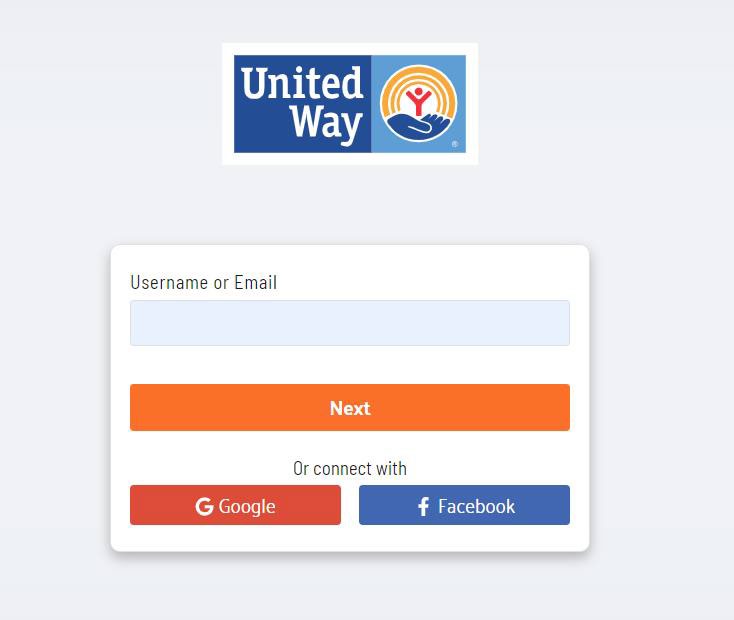
Step 2: Enter Your Email
- Type your APS email address and click Next.
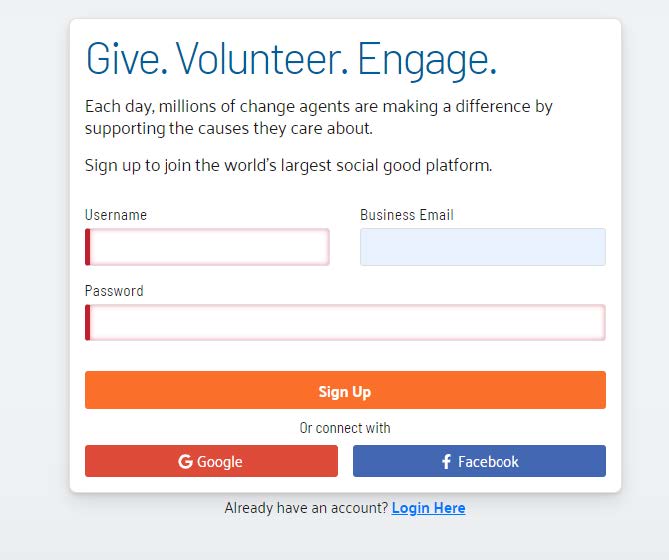
Step 4: Create Your Account
- Enter your APS email address as your username.
- Create a unique password:
- Minimum 8 characters
- At least one non-alphanumeric character
- At least one digit
- Both lowercase and uppercase letters
- Click Sign Up.
Step 5: Verify Your Email
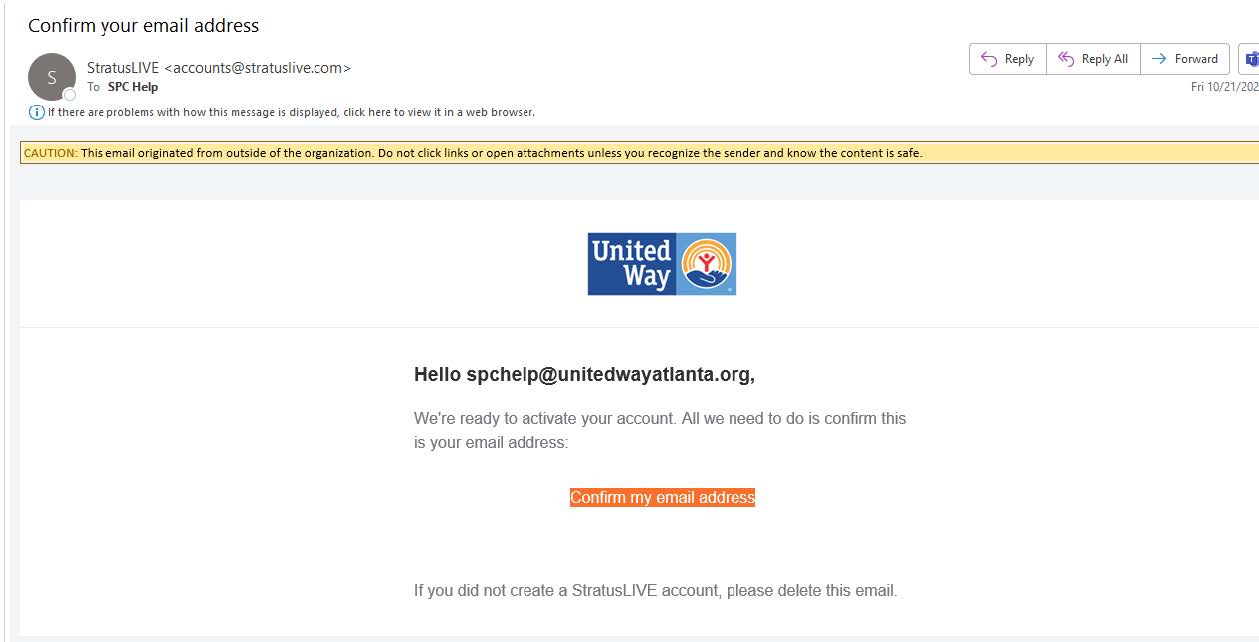
- You’ll receive a verification email from Stratus Live.
- Open the email and click Confirm my email address.
Step 6: Log In
- Return to https://aps.uwga.stratuslive.com/ and log in with your APS email and newly created password.
Now you are ready to make your donation!